Editorial Hero
Oversized typography, an asymmetric image, and a clear invitation to read on. A quiet opening for studios and independent publications.
OBSERVATIONS FROM OUT THERE
ISSUE 008 / OPEN HORIZONSA different point of view.
On spaces that make us pause, the people who shape them, and the details we carry home.
Explore the Mono story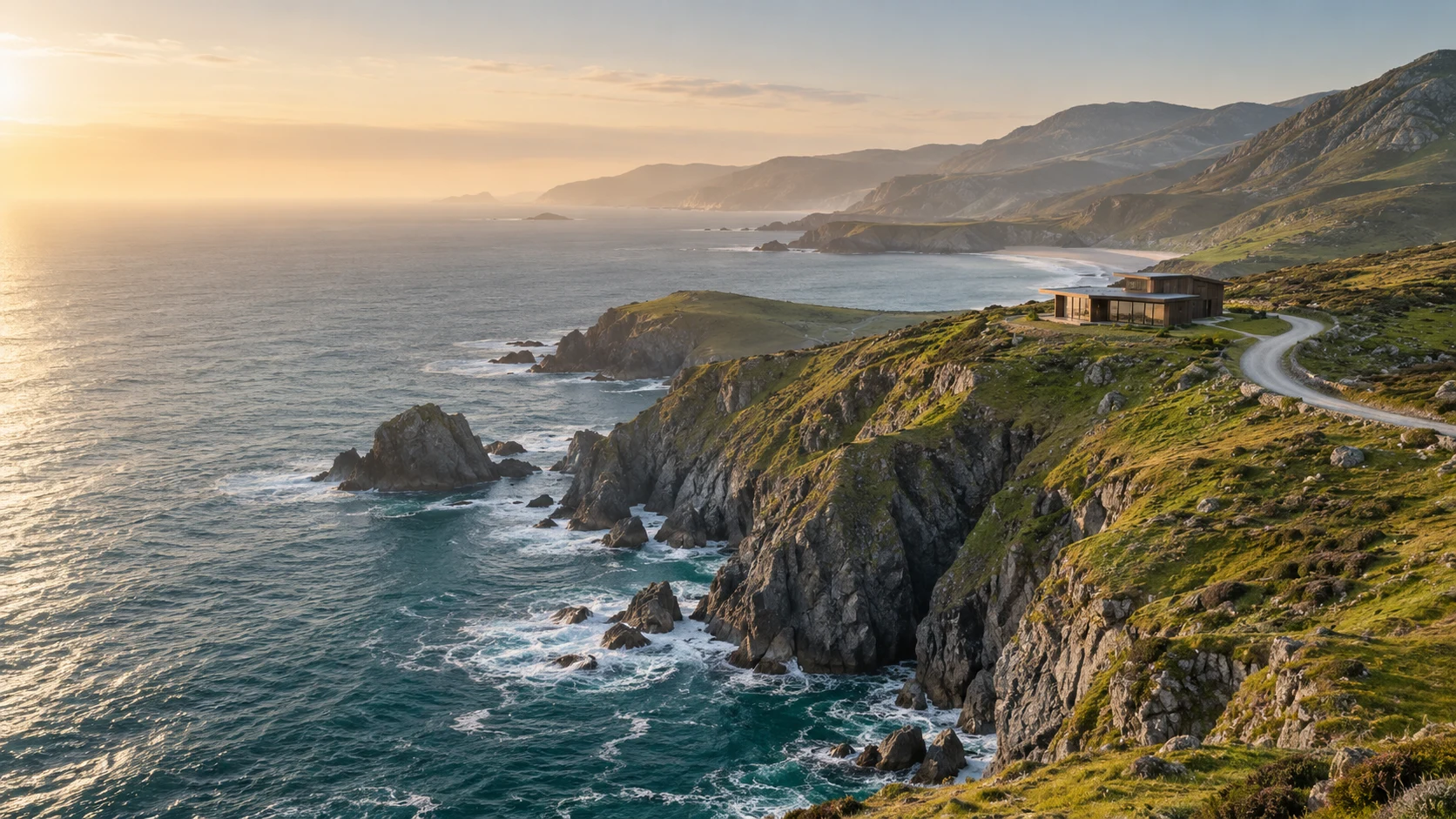
Good places change
how we see.
A journal about considered spaces and useful ideas. Open the example architecture story to see how a quiet first impression leads into a fuller project.
'use client'

import { useEffect, useId, useRef } from 'react'
import './editorial-hero.css'

export interface EditorialHeroProps {
  eyebrow?: string
  title: string
  description?: string
  image: { src: string; alt: string }
  action?: { label: string; href: string }
  meta?: string
  className?: string
}

function nearestViewport(element: HTMLElement): HTMLElement | null {
  let parent = element.parentElement
  while (parent && parent !== document.documentElement) {
    if (/(auto|scroll|overlay)/.test(window.getComputedStyle(parent).overflowY) && parent.scrollHeight > parent.clientHeight + 1) return parent
    parent = parent.parentElement
  }
  return null
}

/** Oversized editorial typography with an image that moves at most 24px. */
export function EditorialHero({ eyebrow, title, description, image, action, meta, className = '' }: EditorialHeroProps) {
  const headingId = useId()
  const rootRef = useRef<HTMLElement>(null)

  useEffect(() => {
    const root = rootRef.current
    if (!root) return
    const reducedMotion = window.matchMedia('(prefers-reduced-motion: reduce)')
    let frame = 0

    function readPosition() {
      frame = 0
      if (!root) return
      const viewport = nearestViewport(root)
      const viewportTop = viewport ? viewport.getBoundingClientRect().top + viewport.clientTop : 0
      const height = viewport?.clientHeight || window.innerHeight
      const bounds = root.getBoundingClientRect()
      const progress = Math.min(1, Math.max(0, (viewportTop + height - bounds.top) / Math.max(1, height + bounds.height)))
      const shift = reducedMotion.matches || bounds.width < 600 ? 0 : (progress - .5) * 48
      root.style.setProperty('--ac-editorial-shift', `${shift.toFixed(2)}px`)
    }

    function scheduleRead() {
      if (!frame) frame = window.requestAnimationFrame(readPosition)
    }

    document.addEventListener('scroll', scheduleRead, { capture: true, passive: true })
    window.addEventListener('scroll', scheduleRead, { passive: true })
    window.addEventListener('resize', scheduleRead)
    reducedMotion.addEventListener('change', scheduleRead)
    const resize = typeof ResizeObserver === 'undefined' ? null : new ResizeObserver(scheduleRead)
    let ancestor: HTMLElement | null = root
    while (ancestor && ancestor !== document.documentElement) {
      resize?.observe(ancestor)
      ancestor = ancestor.parentElement
    }
    readPosition()

    return () => {
      document.removeEventListener('scroll', scheduleRead, true)
      window.removeEventListener('scroll', scheduleRead)
      window.removeEventListener('resize', scheduleRead)
      reducedMotion.removeEventListener('change', scheduleRead)
      resize?.disconnect()
      window.cancelAnimationFrame(frame)
      root.style.removeProperty('--ac-editorial-shift')
    }
  }, [])

  return (
    <section ref={rootRef} className={`ac-editorial-hero ${className}`.trim()} aria-labelledby={headingId}>
      <header className="ac-editorial-topline">
        {eyebrow && <p>{eyebrow}</p>}
        {meta && <span>{meta}</span>}
      </header>
      <h2 id={headingId} className="ac-editorial-title">{title}</h2>
      <div className="ac-editorial-body">
        <div className="ac-editorial-copy">
          <span className="ac-editorial-marker" aria-hidden="true">↘</span>
          {description && <p>{description}</p>}
          {action && <a href={action.href}>{action.label}<span aria-hidden="true">↗</span></a>}
        </div>
        <figure className="ac-editorial-image">
          <img src={image.src} alt={image.alt} decoding="async" />
        </figure>
      </div>
    </section>
  )
}
Installation
Run this in your shadcn-configured React project. The component and stylesheet are added together.
npx shadcn@latest add http://localhost:5173/r/editorial-hero.jsonThis command uses the current site address. For localhost, keep this preview running on the same computer. Files follow your configured components alias.
Usage
Import the component and make the details your own.
import { EditorialHero } from '@/components/anticraft/EditorialHero';

export function Example() {
  return (
    <EditorialHero
      eyebrow="OBSERVATIONS FROM OUT THERE"
      title={'A different\npoint of view.'}
      description="On places that make us pause, the people who shape them, and the details we carry home."
      image={{ src: '/images/coast.jpg', alt: 'A winding path above a quiet coastal bay.' }}
      action={{ label: 'Read the journal', href: '/journal' }}
      meta="ISSUE 008 / OPEN HORIZONS"
    />
  );
}Props
| Prop | Type | Default | Description |
|---|---|---|---|
title | string | Required | The visible h2 and section name. Newlines create line breaks. The layout handles longer words with wrapping; concise titles work best. Adjust the copied heading level if this is your page’s primary h1. |
image | { src: string; alt: string } | Required | The editorial image source and meaningful alternative text. This image remains available to assistive technology. Supply your own image at the example /images/coast.jpg path or change the URL. |
eyebrow | string | undefined | A short category or publication label in the top rule. |
description | string | undefined | A concise introduction beside the image on wide layouts and below it on compact layouts. |
action | { label: string; href: string } | undefined | An ordinary anchor to your journal, project, or other real route. Keyboard, touch, modified clicks and open-in-new-tab behavior remain native. |
meta | string | undefined | Optional issue, location or project metadata, aligned to the right of the top rule. |
className | string | '' | Additional classes. Customize --ac-editorial-paper, --ac-editorial-ink, --ac-editorial-muted and --ac-editorial-heading-font. At 600px component width and below, the image sits above the supporting text in one column. |
Motion & accessibility
A passive scroll listener moves only the image, bounded to 24px in either direction. Its overscan keeps the image window filled. Text and links stay in the normal document flow. Compact layouts and reduced-motion preferences use a static image; reduced motion also removes the link-arrow transition. There is no automatic animation or scroll capture. The demo’s links open the complete local Mono architecture case study.
Use semantic content and meaningful labels in your composition. Check contrast and keyboard behavior with your own styles and content.